 JOIN
JOIN MEMBERS
 C-TOW APP
 CAREERS
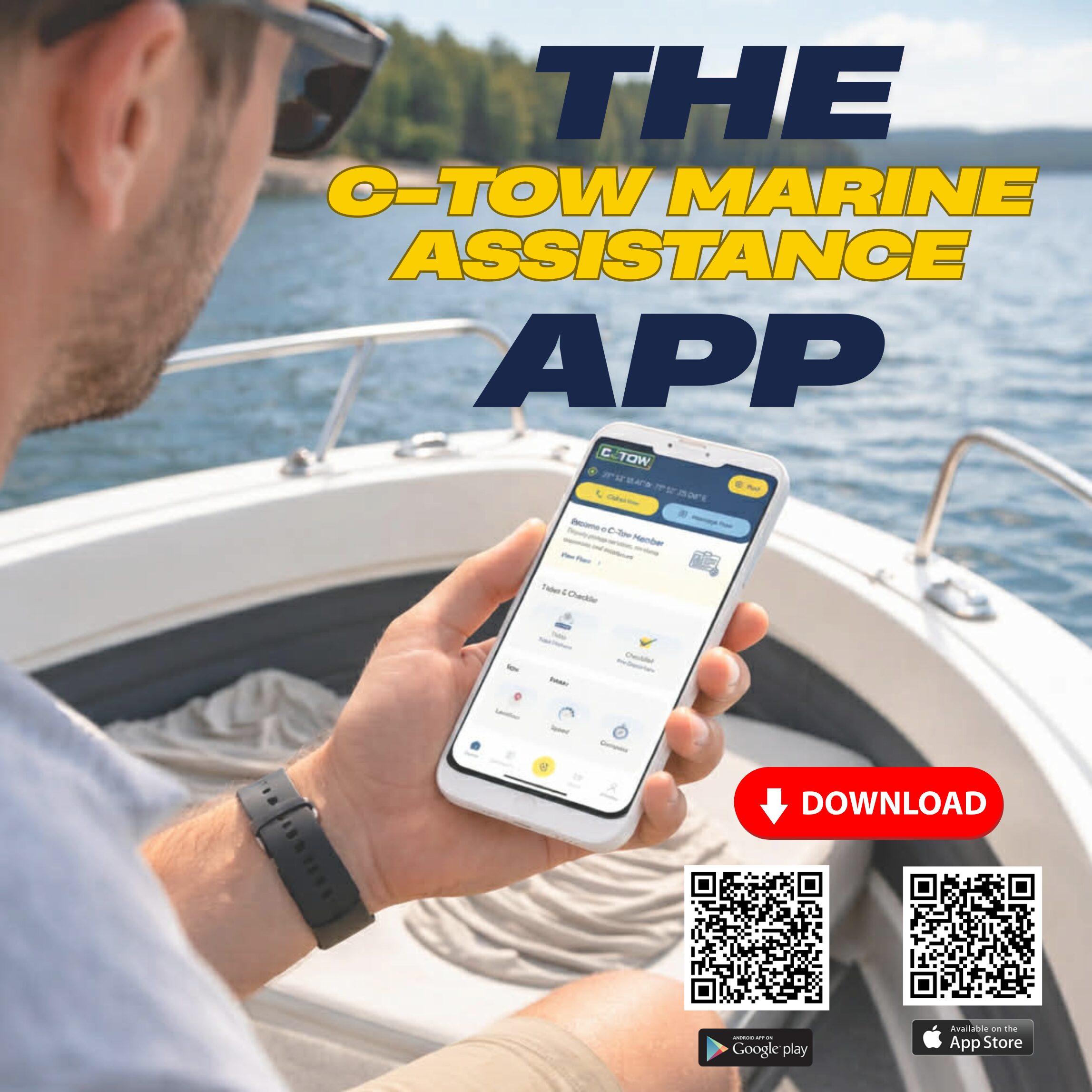
Boating season is the best kind of reset — longer days, first launches, and that feeling of finally being back on the water. But early season also has a pattern: the most common issues aren’t dramatic emergencies. They’re the everyday problems that happen when boats sit for months — a battery that won’t turn over, a fuel hiccup, a line wrapped in the prop, a soft grounding, or a small mechanical issue that becomes stressful simply because you’re not expecting it.
When something goes sideways, the fastest help starts with two things:
- A clear plan, and
- A clear location.
That’s exactly why we built the C‑Tow App — to make it easier to stay prepared, stay informed, and (if needed) request assistance with less back-and-forth and more confidence.
Below is a simple “what to do” guide you can save for your first few outings.
Step 1: Pause, Get Safe, and Stabilize the Situation
Before you do anything else, take a breath and make sure you’re in the safest position possible.
Quick safety priorities:
- If you’re drifting toward hazards, anchor if conditions allow.
- Keep a safe distance from traffic lanes, rocks, and shallow areas.
- Make sure everyone onboard is secure and wearing PFDs as appropriate.
- If weather is shifting, think ahead: wind and current can move you faster than you expect.
Early season note: cold water and wind can turn a minor issue into a bigger risk. The goal is to get stable first, then solve the problem.
Step 2: Know Your Exact Location (This Is the #1 Time Saver)
One of the biggest delays in getting help on the water is simply figuring out exactly where you are — especially in areas with similar shorelines, multiple bays, or lots of islands.
The app helps by making it easier to:
- Open the C-Tow app and you location will be at the top of the screen
- Reduce confusion when you’re “near the red buoy” (and there are five red buoys)
- Speed up response by giving clear, actionable info right away
If you’re not using the app, a solid backup is:
- GPS coordinates (lat/long)
- Nearest landmark, marina, channel marker, or shoreline feature
- Direction of travel and last known point (if you’re moving)
Step 3: Identify the Problem (So the Right Help Shows Up)
You don’t need to diagnose like a mechanic — you just need to describe what’s happening clearly.
A few common scenarios and what to share:
Dead battery / no start
- Does anything power on (lights, electronics), or is it completely dead?
- Did it start earlier today?
Fuel issue
- Any sputtering/surging?
- Any warning alarms?
- How much fuel is onboard?
Soft grounding
- Are you stable and safe?
- Are you taking on water?
- Are conditions pushing you further onto the bottom?
Mechanical trouble
- Any unusual sounds, smoke, overheating, or alarms?
- Can you steer? Can you control drift?
Prop/line issue
- Did you feel a sudden vibration or loss of power?
- Are you in a safe spot to stop and assess?
The clearer the description, the smoother the response — and the less time you’ll spend repeating details.
Step 4: Share the Basics About Your Boat + Your Crew
A few details help responders prepare properly:
- Vessel type and approximate length
- Number of people onboard
- Any immediate safety concerns (medical issue, taking on water, severe weather)
This isn’t about paperwork — it’s about making sure the response is appropriate and efficient.
Step 5: Stay Reachable and Easy to Find
Once assistance is on the way, a few small things help everything go faster:
- Keep your phone accessible and charged
- Monitor your surroundings (wind/current can move you)
- Make yourself visible if needed (especially later in the day)
- Keep lines and gear organized so you can follow instructions safely
Why Download the C‑Tow App Even If You “Never Need a Tow”
Most people download an assistance app after something happens. The better move is having it ready before your first launch — the same way you’d check your lines, safety gear, and battery.
The C‑Tow App is designed to support boaters in two ways:
1) Preparedness (the part you’ll use all season)
In the app, you can:
- Keep key boating info handy so you’re not scrambling when you’re docking or troubleshooting
- Access on-water tools like weather/tides/buoys
- Access to a speedometer, Compass and more
2) Immediate Assistance (if you ever need it)
If you do run into trouble, the app helps streamline the process by making it easier to:
- Directly Request assistance
- Share your location clearly
- Reduce the “where are you / what’s happening” back-and-forth
Quick “Before You Leave the Dock” App Tip
Do this once and you’re set for the season:
- Download the app
- Make sure location services are enabled
- Log in / confirm your details (if you’re a member)
- Keep your phone charging plan ready (12V charger or power bank)
It’s a 2-minute setup that can save a lot of time later.
Download the C‑Tow App Before Your First Launch